

Rendering SDF on GPU
Font generation on the GPU
Section titled “Font generation on the GPU”Font generation on the GPU offers a better approach to producing text atlases. Previously, SDF glyphs were only generated on the CPU, which created trade-offs. At a lower generation size, there were some visual quality problems. At a higher generation size, the cost was usually prohibitively expensive in terms of processing power. By shifting most of the workload to the GPU, we get to generate even higher resolution text atlases without an increase in CPU usage.
Notice/Limitations:
The feature requires that the graphics API/hardware used supports 2 essential features, specified in the renoir::RendererCaps structure filled in the RendererBackend::FillCaps method. The 2 required features are:
renoir::RendererCaps::CanOutputDepthInPixelShaderrenoir::RendererCaps::SupportsTwoSidedStencilOperations
If either of those capabilities is not supported, SDF rendering is done on the CPU as a fallback.
Comparison with the old algorithm
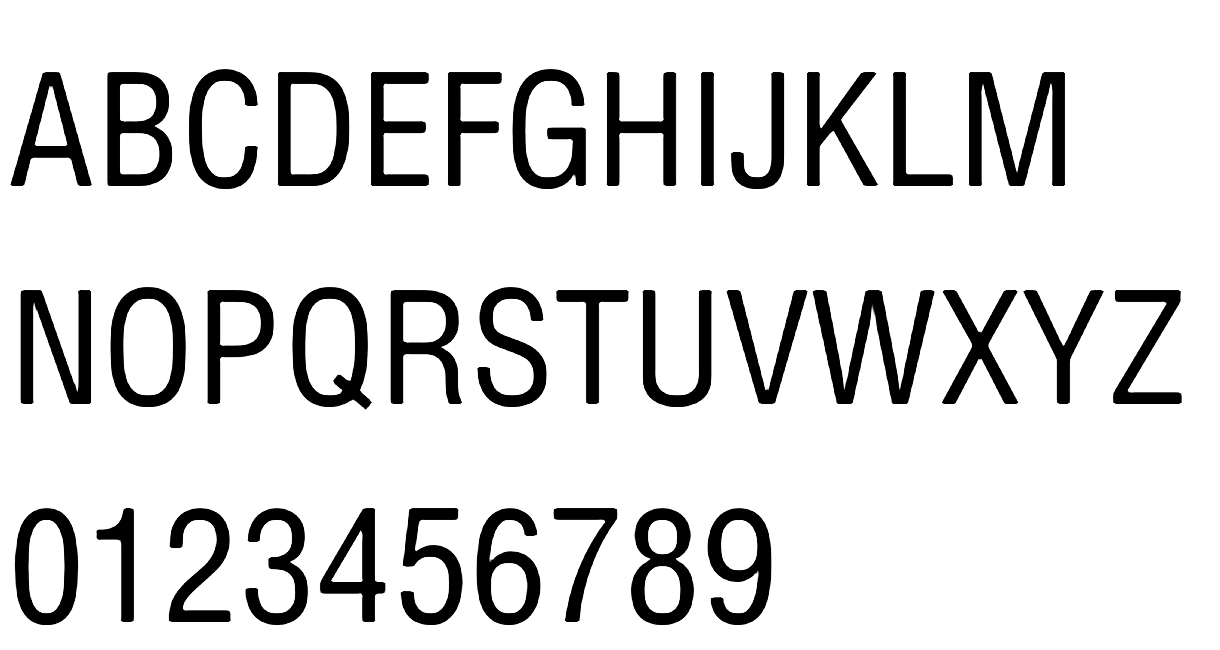
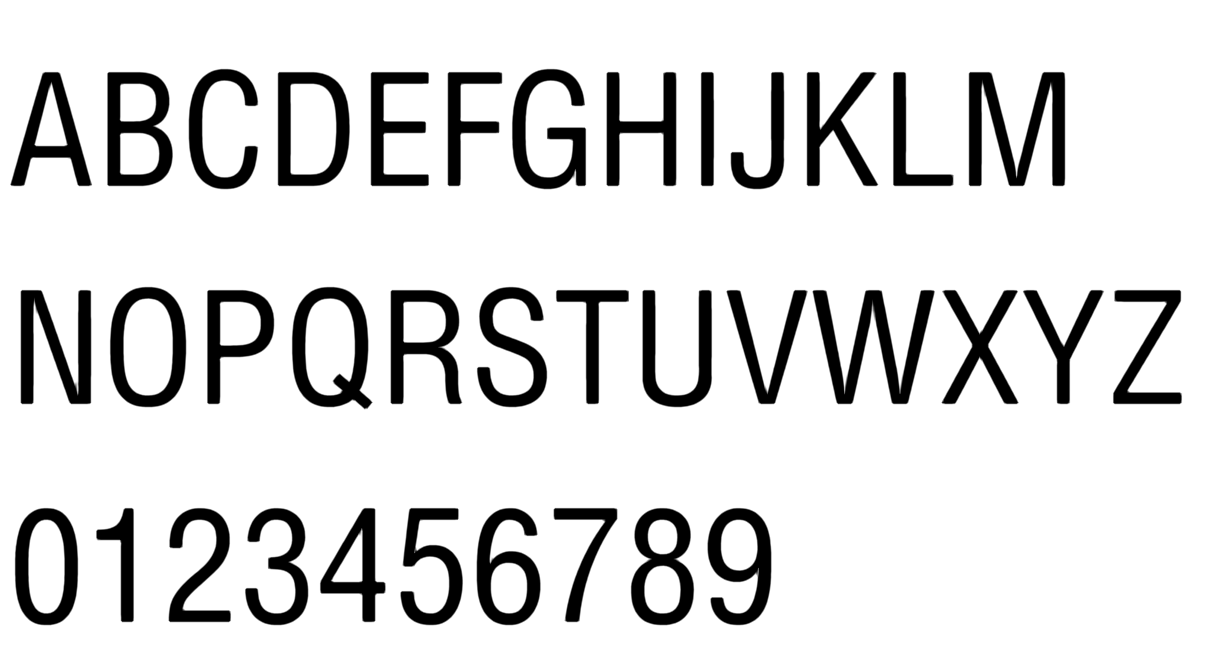
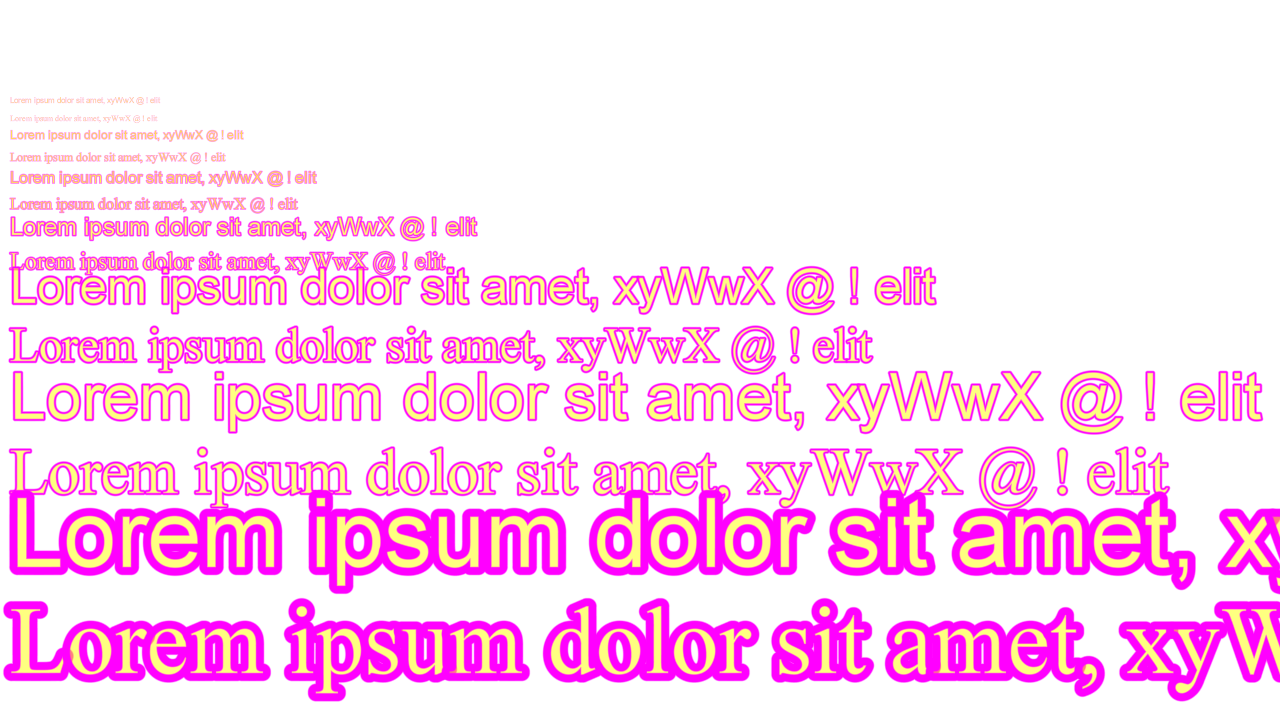
We have already mentioned that the algorithm is very scalable in regard to glyph generation size as it relates to CPU usage, whereas the old one wasn’t. It also allows us to implement nice-looking outlines - again something that the old algorithm wasn’t capable of. A picture says a thousand words, so…
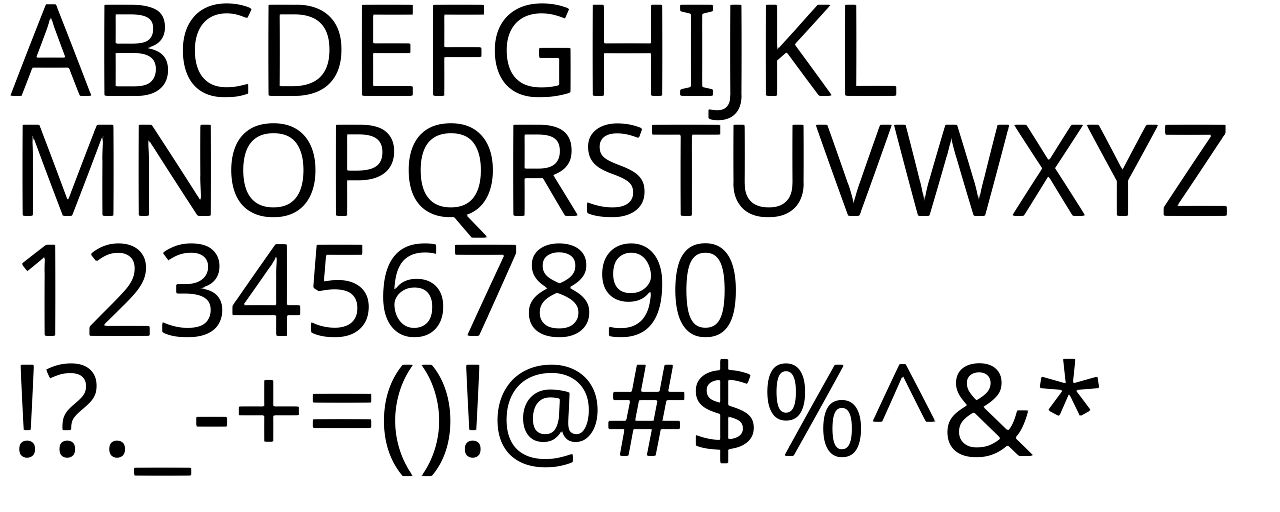
Before @ default(52px) generation size:
SDFGPU @ 52px generation size:
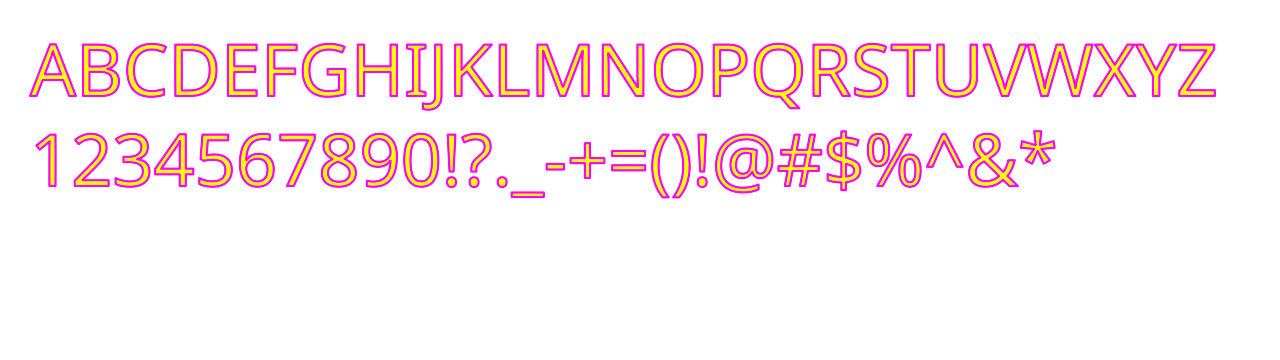
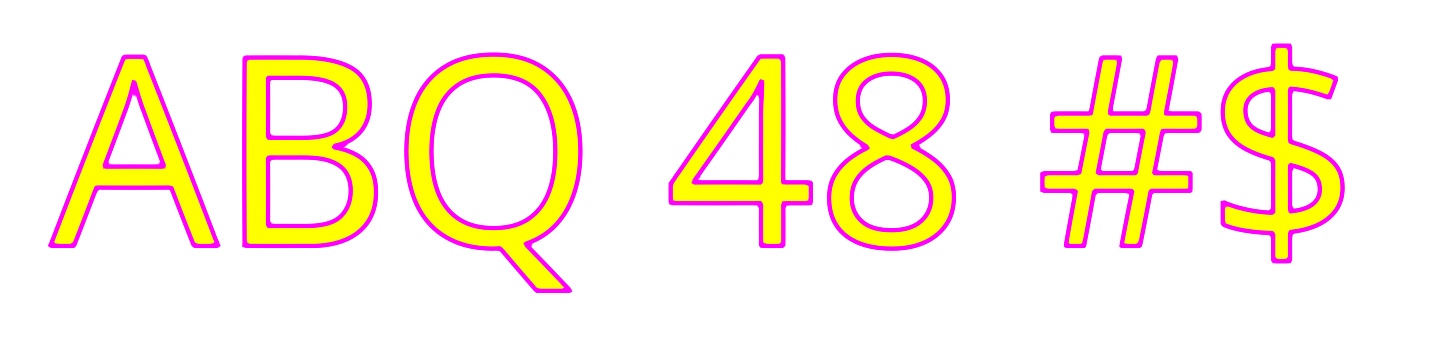
Outlines @ 52px generation size with 8px spread:
How to use it?
-
The feature is enabled by default and is automatically disabled on backends that don’t support the required capabilities. If you need to forcefully disable the GPU generation, you can use the
--disableSDFonGPUdeveloper option. -
The main controller of visual quality to memory consumption is the generation size of glyphs. Bigger glyphs lead to better quality, but also consume more space in the texture atlas. The algorithm uses 3 default generation sizes, which are:
- Small — 32 px
- Medium — 52 px
- Large — 72 px
The renderer automatically picks the closest bigger SDF generation size to the requested text size, ensuring better quality without unnecessary memory usage.
-
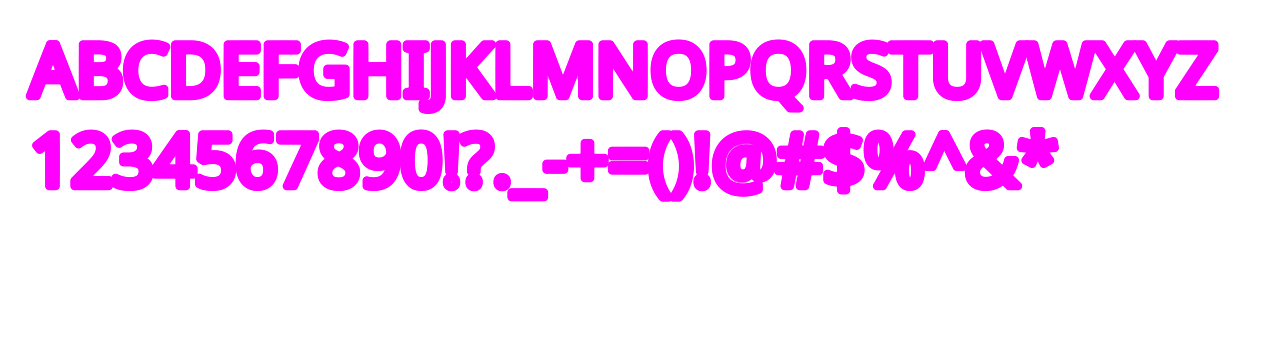
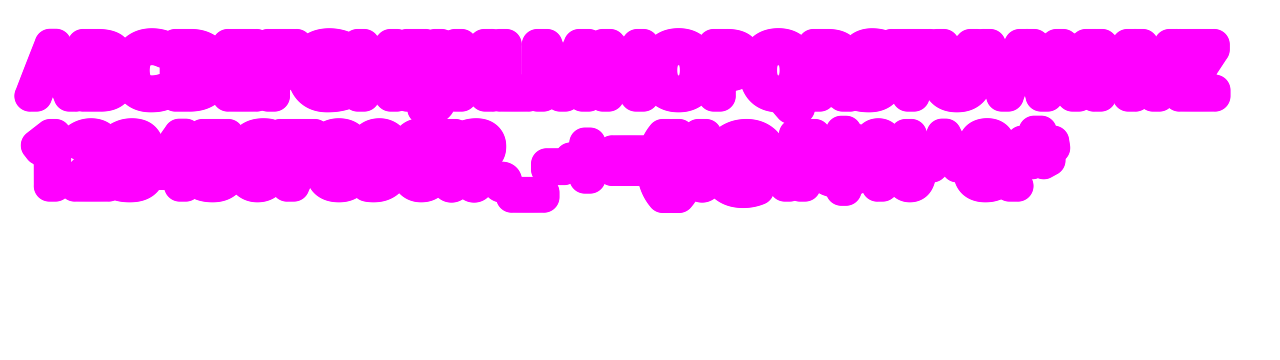
Another controller of visual quality to memory consumption is the distance field spread. It also affects the maximum size of text outlines. A bigger spread leads to better quality and a bigger maximal outline width but also uses more memory. Each SDF size has its own respective spread value, calculated as 10% of the SDF generation size (rounded up). Spread specifies the size of the distance field that is generated around the glyph and is used both for quality edges and for specifying the maximal outline width. The maximal size of the outline can be calculated in the following way -
maxOutlineWidth = ((SPREAD * TEXT_SIZE) / GENERATION_SIZE) * 2.0f, where all variables are measured in pixels andSPREADis the spread that has been used to generate the glyphs,TEXT_SIZEis the size of the currently rendered text,GENERATION_SIZEis the generation size of the font atlas, and we multiply by 2, since the text stroke is rendered both inwards and outwards. In case the the requested stroke width is larger than the max possible outline for the default generation size and spread combination, an additional glyph will be generated with the same SDF size, but with a bigger spread, which is increased to 40% of the SDF size rounded up. This would allow for an even bigger stroke to be generated at the cost of more memory in the glyph atlas.
Extra large glyphs generated using the path tessellation algorithms by default
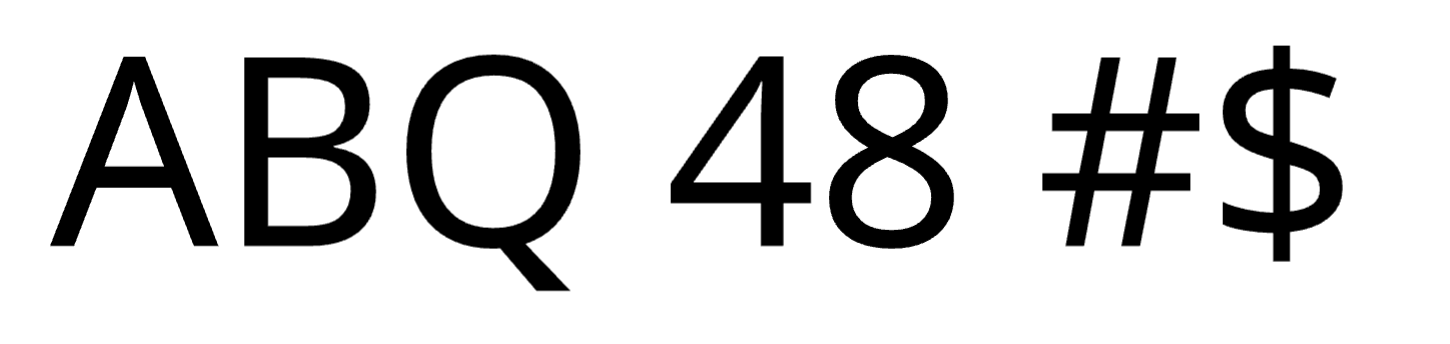
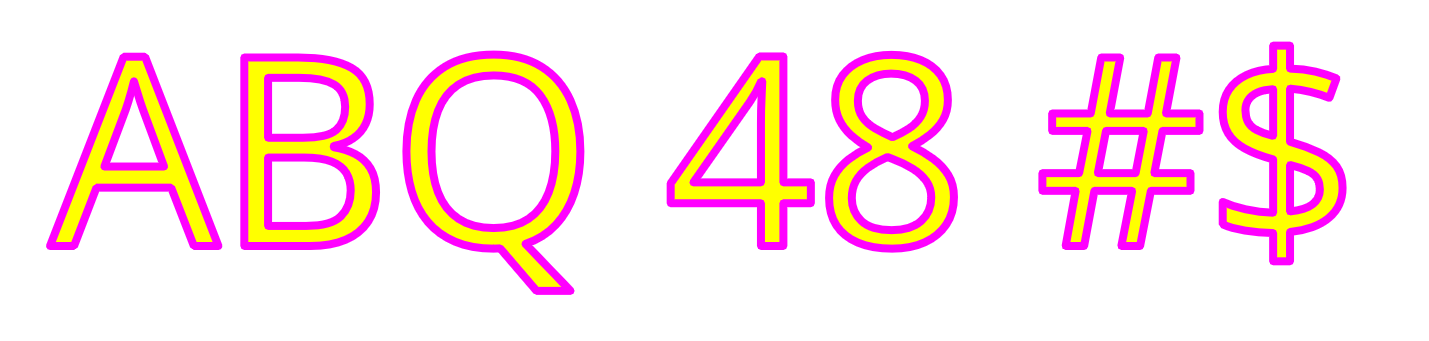
Section titled “Extra large glyphs generated using the path tessellation algorithms by default”Very large glyphs - those exceeding 256 px - are by default rendered using our path tessellation algorithms. Because our SDF generation is optimized for the quality of small to medium-sized text, the larger text size we request for an SDF glyph, the more it would lose its detail and shape. By switching to path rendering at these larger sizes, glyphs can retain their full outline precision, resulting in sharper edges, smoother curves, and significantly improved visual quality for oversized text. This ensures large titles remain crisp and detailed without relying on oversized SDF glyphs. Note that path-based glyphs are currently not cached, they will get regenerated each time the text has to be rendered.
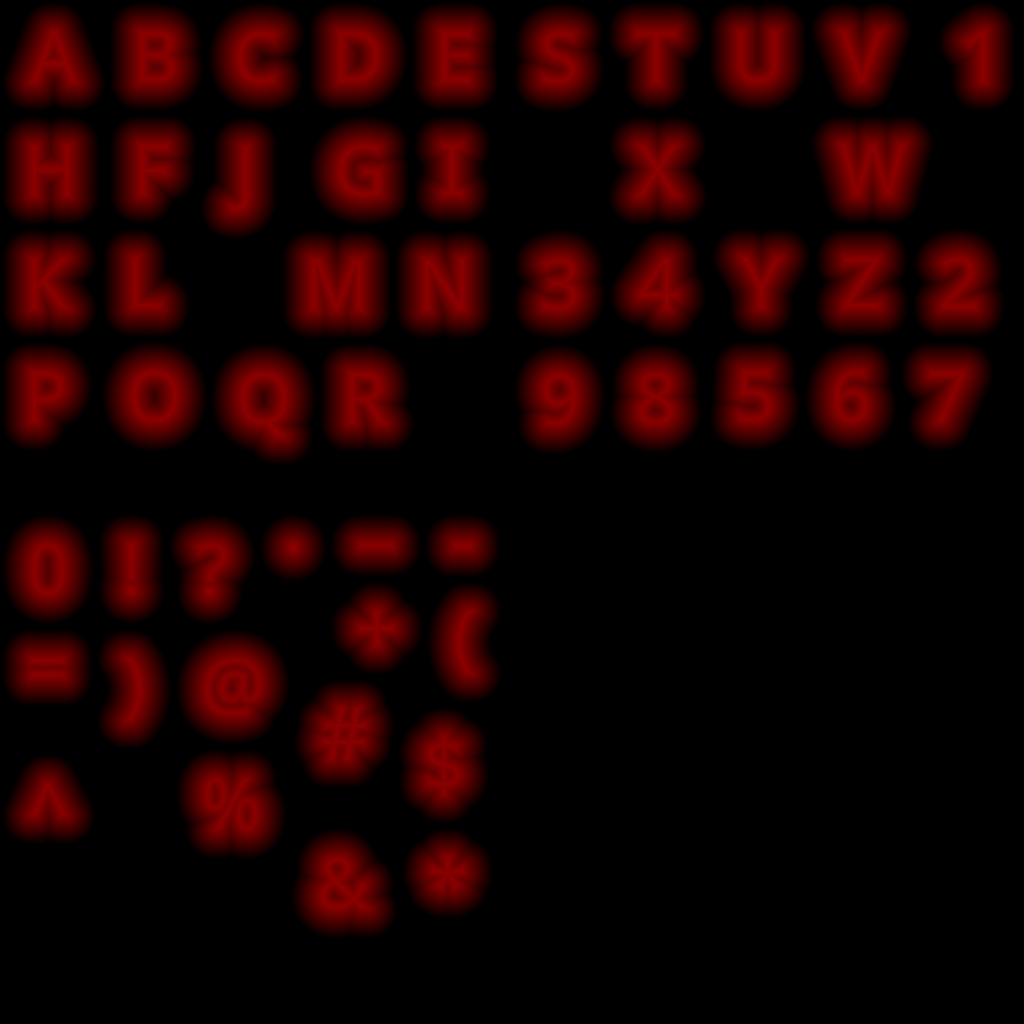
Atlas with different generation size:
SDFGPU atlas @ 32px generation size:
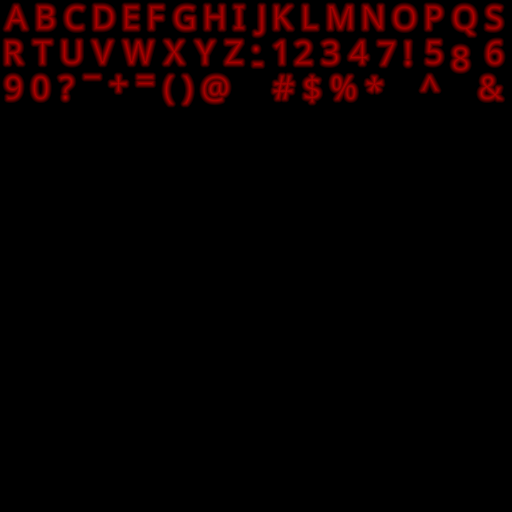
SDFGPU atlas @ 52px generation size:
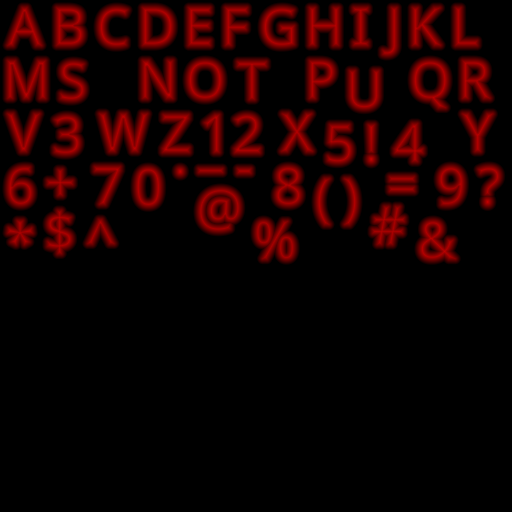
SDFGPU atlas @ 72px generation size:
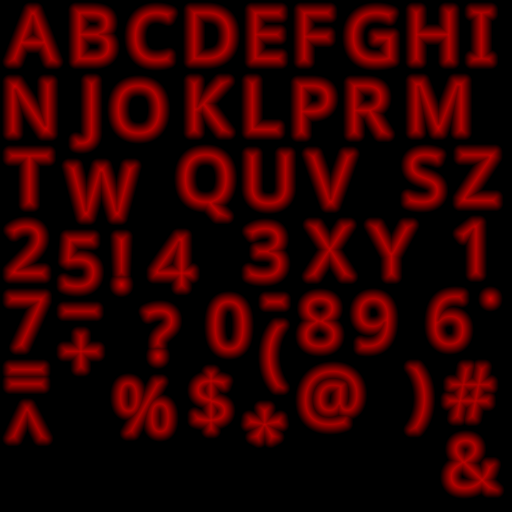
Quality of text above the large SDF generation size:
SDFGPU text quality @ 72px generation size and 72px text size:
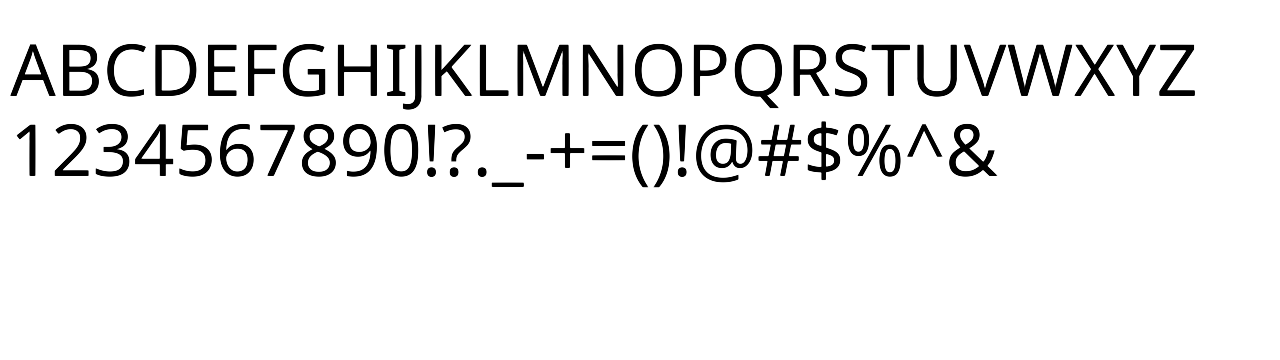
SDFGPU text quality @ 72px generation size and 96px text size::
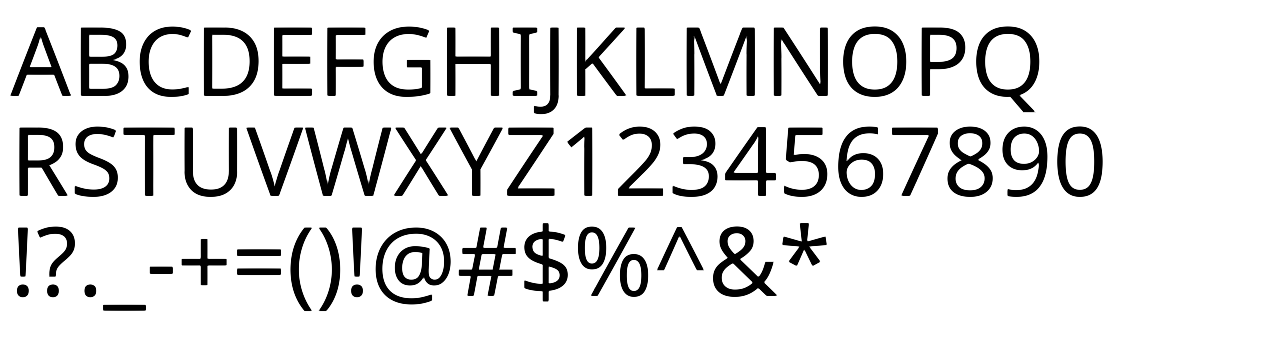
SDFGPU text quality @ 72px generation size and 128px text size::
Outline width with different spread:
Outline width at 4px for 72px generation size with 8px spread:
Outline width at default maxOutlineWidth of 16px for 72px generation size with 8px spread:
Outline width capped at maxOutlineWidth of 58px for 72px generation size with 29px spread and its generated glyph atlas:
Path glyphs:
Path glyphs at 260px text size:
Path glyphs with outline width at 8px for 260px text size:
Difference between extra large SDFGPU glyphs and path glyphs:
SDFGPU glyphs vs Path glyphs at 260px text size:
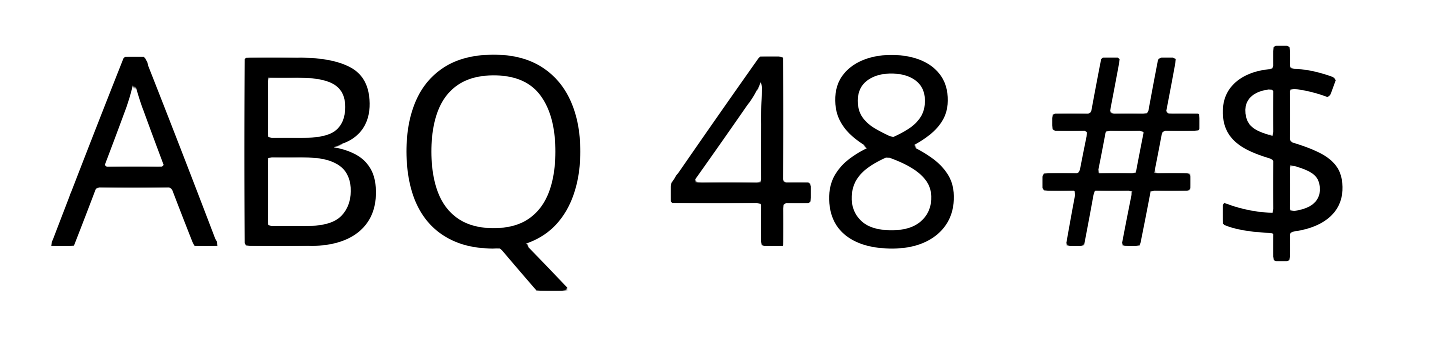
SDFGPU glyphs vs Path glyphs with outline width at 8px for 260px text size:
© 2026 Coherent Labs. All rights reserved.