

Lottie Support
Overview
Section titled “Overview”Prysm supports Lottie.js.
The word Lottie is used to refer to the following two things.
- Lottie animations that are stored in JSON files and are usually generated through the Bodymovin Adobe After Effects Plugin.
- The Lottie JavaScript library that renders Lottie animations.
A quick way to get started with Lottie is to obtain a ready-made animation from LottieFiles.
Getting started
Section titled “Getting started”The following steps can be used to quickly render an animation on screen.
- Download the
lottie_lightscript. - Download an animation. The example uses the following JSON.
- Create an HTML with the following boilerplate.
<!DOCTYPE html><html lang="en"><body style="background-color: white;"><script src="./lottie_light.js"></script><script>const animation = bodymovin.loadAnimation({container: document.body,path: "animation.json",renderer: 'svg',loop: true,autoplay: true,});animation.setSubframe(false);</script></body></html>
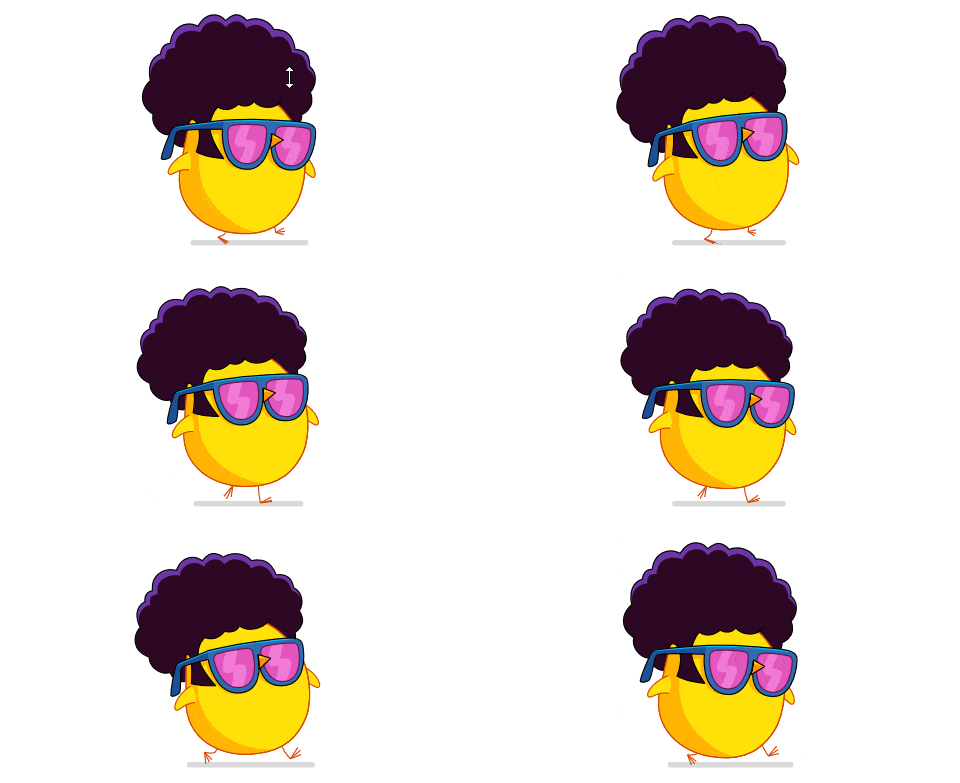
- Run the page
Supported features
Section titled “Supported features”There are a few different versions of the library differing in supported features and rendering mode. Lottie can render in three modes - SVG, Canvas, and HTML. A full list of supported features based on the rendering mode can be found here.
Prysm officially supports the Lottie Light version which renders only in SVG and doesn’t support expressions and effects.
Coherent feature specifics
Section titled “Coherent feature specifics”Prysm imposes the following restrictions on the supported feature set.
- The
SVG<filter>tag is not supported, so animations that use it will appear squished - example; or colors will be inverted - example. webpimages are not supported by COHTML, and such images in Lotties will fail to decode. To use them, you have to decode them yourself and pass them as user images - example.mix-blend-modeis not supported in theSVGcontext, so animations that use it will not blend - example.- The
tspanproperties are not respected, so multiline text is not currently supported - example. - Texts generated through an After Effects dynamic text box are not supported - example.
- The Lottie player does not work out of the box. You should follow the steps explained in Getting started.
- dotLottie is currently not supported.
- Auto-sizing of containers with inline SVG children is not supported, so containers should have concrete sizes. By default Bodymovin generates SVG elements with
widthandheightset to100%, so they must be placed in an element that has a concrete size.
© 2026 Coherent Labs. All rights reserved.